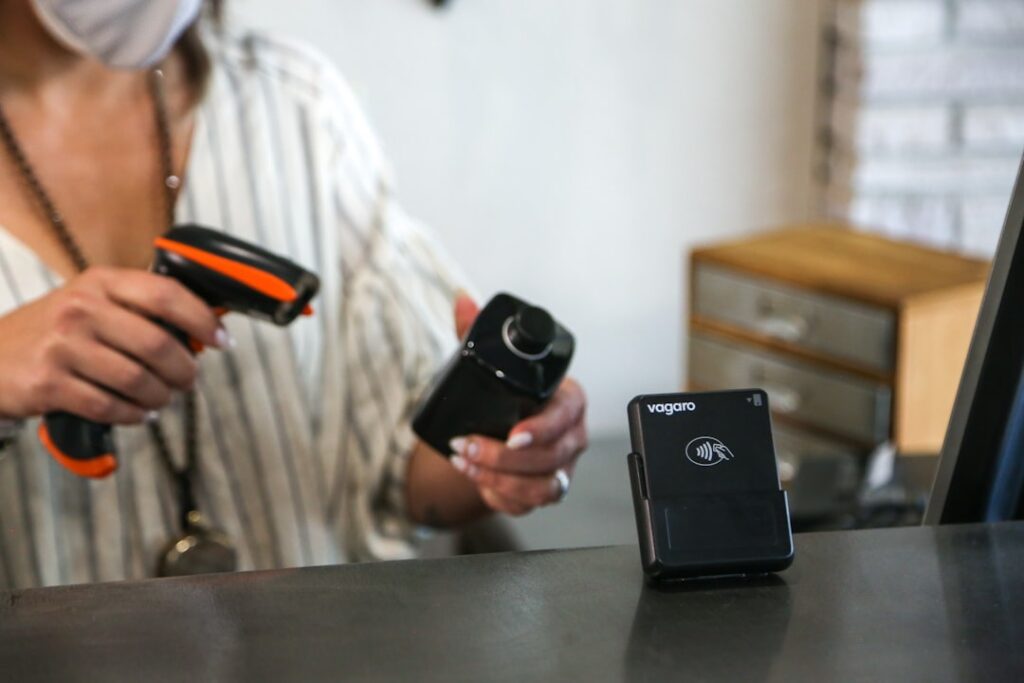

Pick the type of scanner based on how your business operates. Handheld scanners offer flexibility, they let employees move around aisles or stockrooms easily. Fixed mount scanners suit places where speed is king, like supermarket checkout lanes or packing stations. It’s common to see a mix: fixed scanners handling high-volume sales while handheld devices tackle inventory checks or returns. Understanding where each fits can save you from buying gear that doesn’t match your workflow.
Look closely at scanning technology. Laser scanners are great for reading barcodes from a distance or on large items, useful when you can’t get close to the product. Image-based scanners (imagers) snap a picture of the code, so they handle damaged or faint barcodes better. In practice, imagers often reduce rescans and speed up tricky item processing. If your inventory includes worn labels or items with curved surfaces, imagers might be worth the investment.
Compatibility matters. Your barcode scanner must work smoothly with your point-of-sale system or inventory software. Mismatched hardware and software cause delays or errors, especially during rush hours. Check the scanner’s supported communication protocols and drivers before buying. If staff have to manually enter codes because the scanner won’t talk to your system, you lose time and increase mistakes.
Durability is often overlooked but critical. Devices fall, get bumped, and face spills in busy stores or warehouses. Scanners built for rough environments resist shocks and moisture better than standard models. Investing in rugged units means fewer repairs and replacements. Staff won’t hesitate to use them hard, and you avoid downtime from broken equipment disrupting operations.
If you’re unsure where to start, seek advice tailored to your setup. Some suppliers offer personalised guidance based on your business size, product range, and budget. For example, dear inventory support can help pinpoint models that fit real-world demands rather than just specs on paper.
Training your team is just as important as the hardware itself. Even the best scanner won’t speed things up if users don’t understand its features. Regular hands-on training prevents common errors like scanning from the wrong angle or ignoring low battery warnings. Encourage staff to report issues immediately, waiting until a scanner fails during peak hours only creates chaos.
Maintenance keeps scanners running smoothly over time. Clean lenses regularly to avoid misreads caused by dust or smudges. Update software and firmware when available; new releases often fix bugs or add compatibility with updated systems. Keeping a maintenance log helps track recurring problems and plan replacements before failures impact business.
Stay informed about advances in scanning technology that might benefit your operations in the long run. For instance, some newer models include wireless charging or enhanced connectivity options that simplify deployment across multiple locations. You can find more information about ongoing improvements at barcode scanning equipment insights. Being aware of these trends helps prepare your business for smoother upgrades down the line.